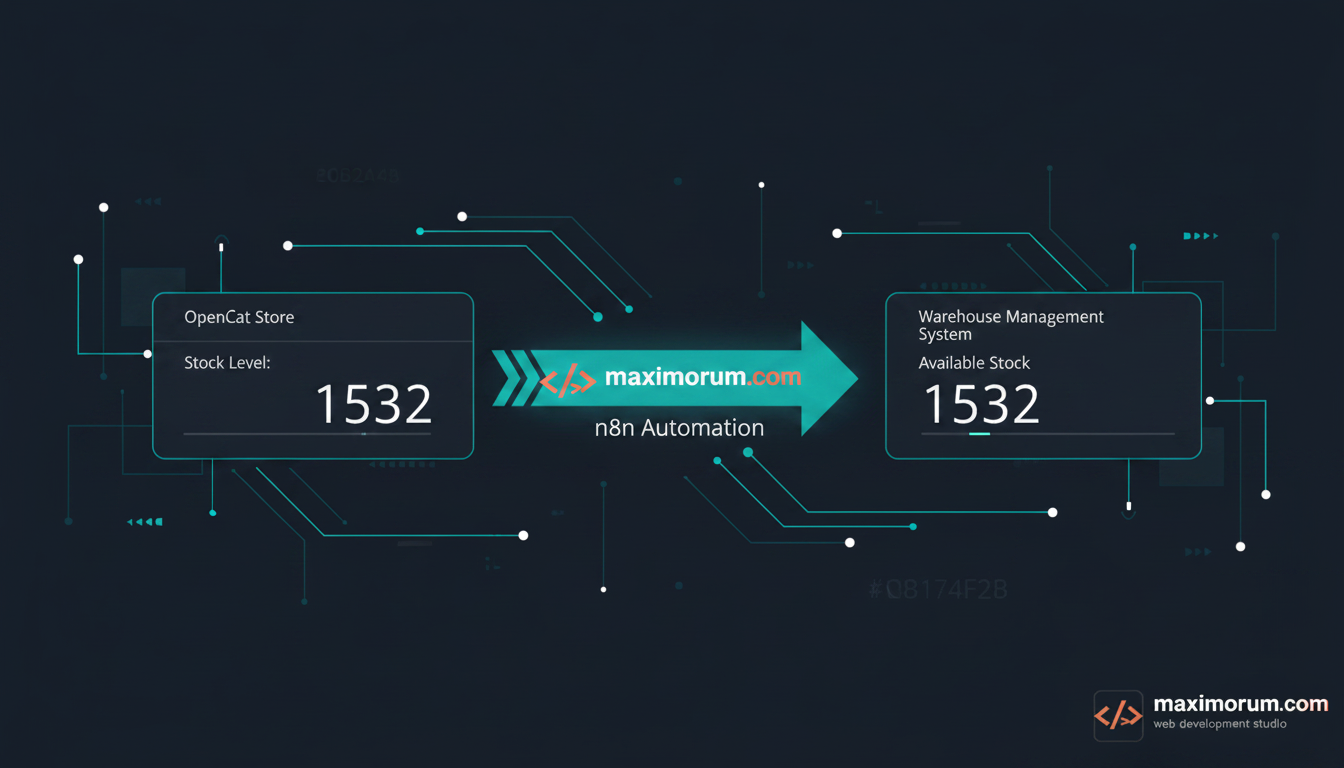
Automated inventory sync between OpenCart and your warehouse with n8n
If your OpenCart store and your warehouse keep two different versions of "how many do we have left," you are paying for that gap. A customer buys a product that shipped out an hour ago. A manager re-keys stock levels into a spreadsheet every morning. A best-seller sits marked "out of stock" because nobody updated the catalog. None of these are software bugs — they are the cost of two systems that do not talk to each other.
The business problem
Manual stock updates do not scale. With a few hundred SKUs you can survive on a morning spreadsheet routine. Past a thousand, the lag between what your warehouse holds and what your storefront shows turns into real money: cancelled orders, refunds, support tickets, and a measurable drop in conversion when popular items show the wrong availability. Oversold orders also damage trust — and a returning customer is worth far more than the margin on a single sale.
The automation solution
We connect the OpenCart catalog to your warehouse system through n8n, so stock levels move in one direction, automatically, on a schedule or in real time. OpenCart exposes product and quantity data through its REST API; your warehouse — whether it is a 1C export, a Google Sheet, an ERP, or a supplier CSV feed — becomes the single source of truth. n8n sits in the middle as the integration layer: it reads the authoritative quantity, compares it to the storefront, and writes back only what changed.
The result is a storefront that always reflects reality, managers freed from re-keying, and zero oversold orders — without replacing any of your existing systems.
The workflow, step by step
- 1. Trigger. Use an n8n Schedule node (for example every 15 minutes) for batch sync, or a Webhook node if your warehouse can push updates the moment stock changes. Most businesses start with scheduled sync and move to webhooks for fast-moving SKUs.
- 2. Read the source of truth. An HTTP Request or Google Sheets node pulls current quantities from the warehouse. Map each row to its OpenCart product_id or SKU so the two systems share one key.
- 3. Read OpenCart. Call the OpenCart REST API to fetch current catalog quantities. A Merge node aligns warehouse rows with catalog rows by SKU.
- 4. Compare and filter. An IF or Function node keeps only the products whose quantity actually changed. This keeps the sync fast and avoids needless API writes.
- 5. Write back. A second HTTP Request node updates quantity — and, when stock hits zero, the product status — through the OpenCart API. Wrap writes in n8n's error branch so a single failed call never stops the batch.
- 6. Notify and log. Send a Telegram or email summary to the operations manager ("14 products updated, 2 set out of stock") and append every run to a log sheet for an auditable history.
With 20+ years building OpenCart, Laravel, and WordPress systems, we design these integrations to fit your stack — not force you onto a new platform. The payoff is concrete: accurate availability, fewer refunds, and a team that stops copying numbers between screens.
Ready to sync your inventory automatically? Talk to our team: https://maximorum.com/