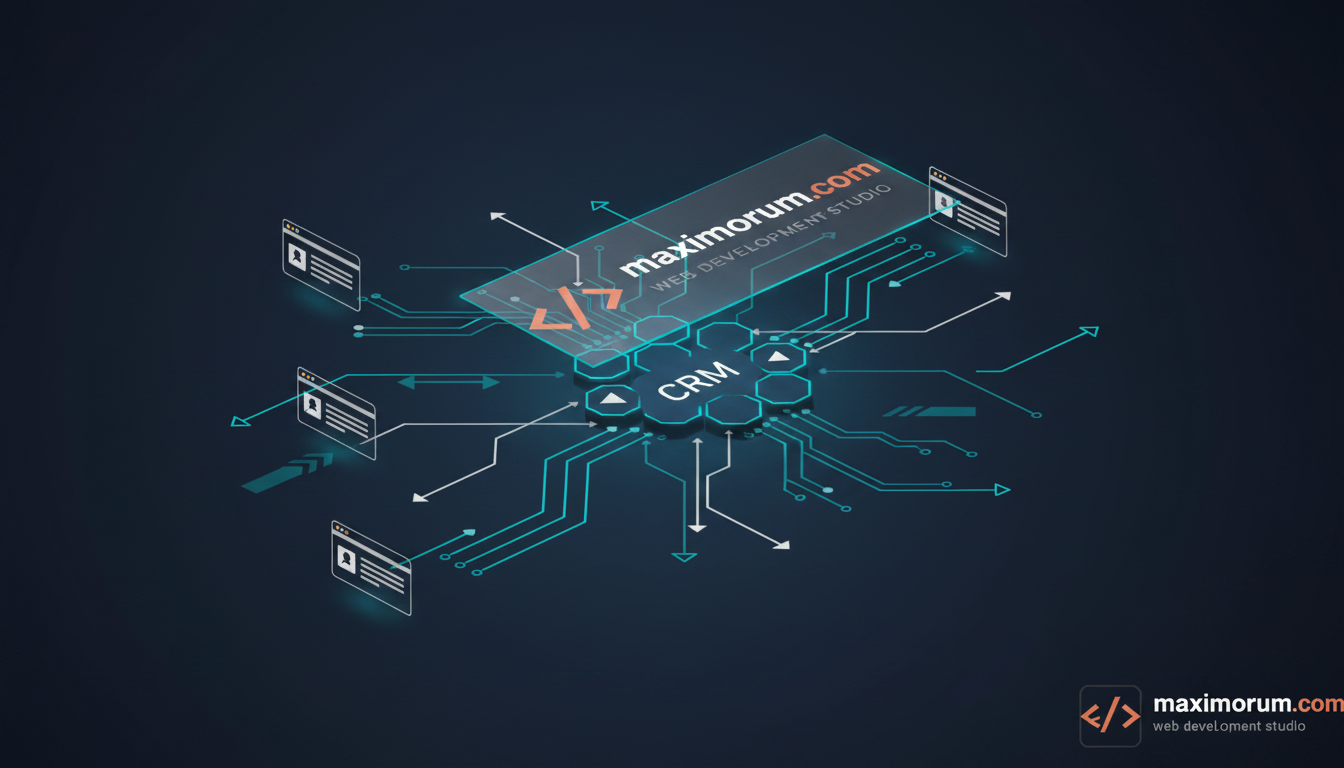
When a lead fills out a form on your website, the clock starts ticking. Yet at most companies that lead sits in an inbox or a spreadsheet until someone notices it. We've watched promising inquiries go cold because a sales rep was in a meeting and the form notification got buried. The fix isn't another CRM seat — it's removing the human step between submission and follow-up.
The business problem
Speed-to-lead decides who wins the deal. Studies of inbound sales consistently show that responding within five minutes dramatically raises the odds of qualifying a lead versus responding an hour later. Manual routing breaks that window: a contact form emails a shared mailbox, someone copies the details into the CRM, someone else assigns an owner, and only then does outreach begin. Each step adds delay and a chance to drop the lead entirely. Add duplicate entries, missing UTM data, and no clear owner, and your pipeline reporting becomes guesswork.
The solution: an automated lead pipeline with n8n
n8n is a self-hostable workflow automation tool that connects your website to your CRM through APIs and webhooks. Instead of a person shuttling data between systems, n8n receives each submission, cleans and enriches it, decides who should own it, and writes it to the CRM — in seconds, around the clock. Because you can self-host it on your own server, lead data never leaves your infrastructure, which matters for GDPR compliance and client confidentiality.
A typical pipeline we deploy looks like this: website form → webhook → validation → enrichment → CRM record → owner assignment → instant notification. Every step is logged, so you can see exactly where a lead came from and what happened to it.
Concrete steps to build it
- Capture the submission. Point your form to an n8n Webhook node. On Laravel or WordPress sites we post the form payload to the webhook URL on submit; on OpenCart we hook into the contact or quote event. The form fires once and returns immediately, so page performance is untouched.
- Validate and normalise. Use a Function or Set node to trim fields, verify the email format, normalise the phone number to international format, and drop obvious spam. This is where you stop polluting the CRM with junk records.
- Enrich the record. Attach the UTM parameters, referrer, and page URL so marketing can attribute the source. Optionally call an enrichment API to add company or location data.
- Deduplicate and write to the CRM. Query the CRM API for an existing contact by email; update it if found, create it if not. This keeps one clean record per person instead of three.
- Assign and notify. Route the lead to an owner by territory, product interest, or round-robin, then push an instant alert to Telegram, Slack, or email so outreach starts in minutes — not hours.
- Handle failures. Add an error workflow that retries failed CRM calls and logs anything that still fails, so no lead is ever silently lost.
What it delivers
Once live, the result is measurable: response time drops from hours to minutes, every lead lands in the CRM with consistent fields and a clear owner, and your team stops doing data entry. The same pattern scales from a single contact form to dozens of landing pages and integrates with the Ukrainian tools you already run — LiqPay, Monobank, Nova Poshta — when a lead becomes a customer.
We build and host these pipelines on PHP, Laravel, WordPress, and OpenCart, wired to the CRM and payment stack you already use. If manual lead handling is costing you deals, talk to MaxiMoruM about automating it end to end.