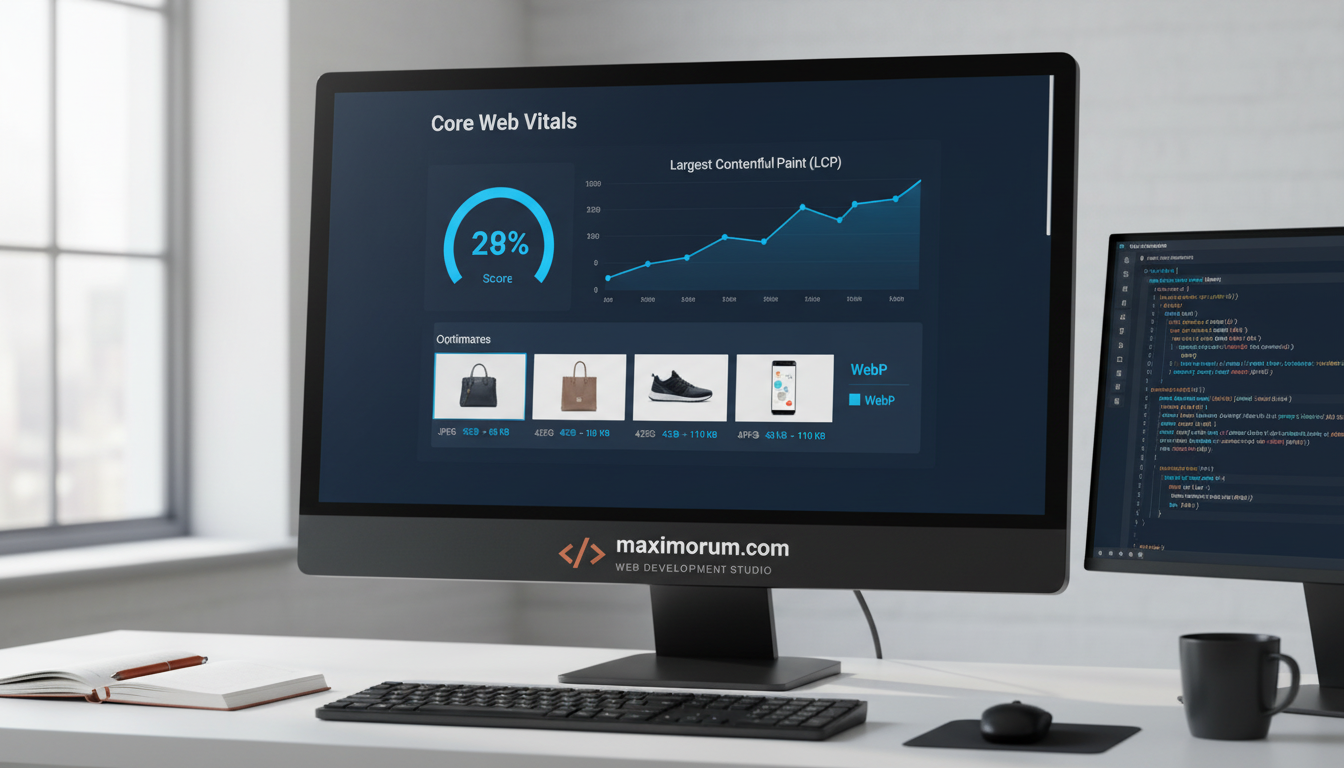
Slow product images cost you sales. Every extra second of load time drops conversion, and unoptimized images are the most common culprit on PHP-based stores.
Google measures this with Largest Contentful Paint (LCP). On most e-commerce pages, the hero or product image is the LCP element. Fix the image, and you move the metric that ranks your site and converts your buyers.
Here is the playbook we apply on Laravel and WordPress projects.
1. Serve modern formats. Convert JPEG and PNG to WebP or AVIF. File sizes drop 30–60% with no visible quality loss. In WordPress we automate this through the media pipeline; in Laravel we use Intervention Image or Spatie Media Library.
2. Size images correctly. Ship responsive srcset variants so phones never download desktop-sized files. One product image becomes four right-sized renditions.
3. Lazy-load below the fold. Load only what the customer sees first. Native loading="lazy" handles most cases, while the LCP image stays eager.
4. Set width and height. Reserve layout space to stop content from shifting. This protects your Cumulative Layout Shift (CLS) score.
5. Push assets to a CDN. Cache images close to the buyer. We pair this with cache headers, so repeat visits load instantly.
The result our clients see: faster LCP, a cleaner mobile experience, and measurable lifts in add-to-cart rate. Speed is not a vanity metric — it is revenue.
Want your store audited and optimized for Core Web Vitals? Talk to our engineers at https://maximorum.com/.
Faster images, higher sales: a Core Web Vitals playbook for online stores
D