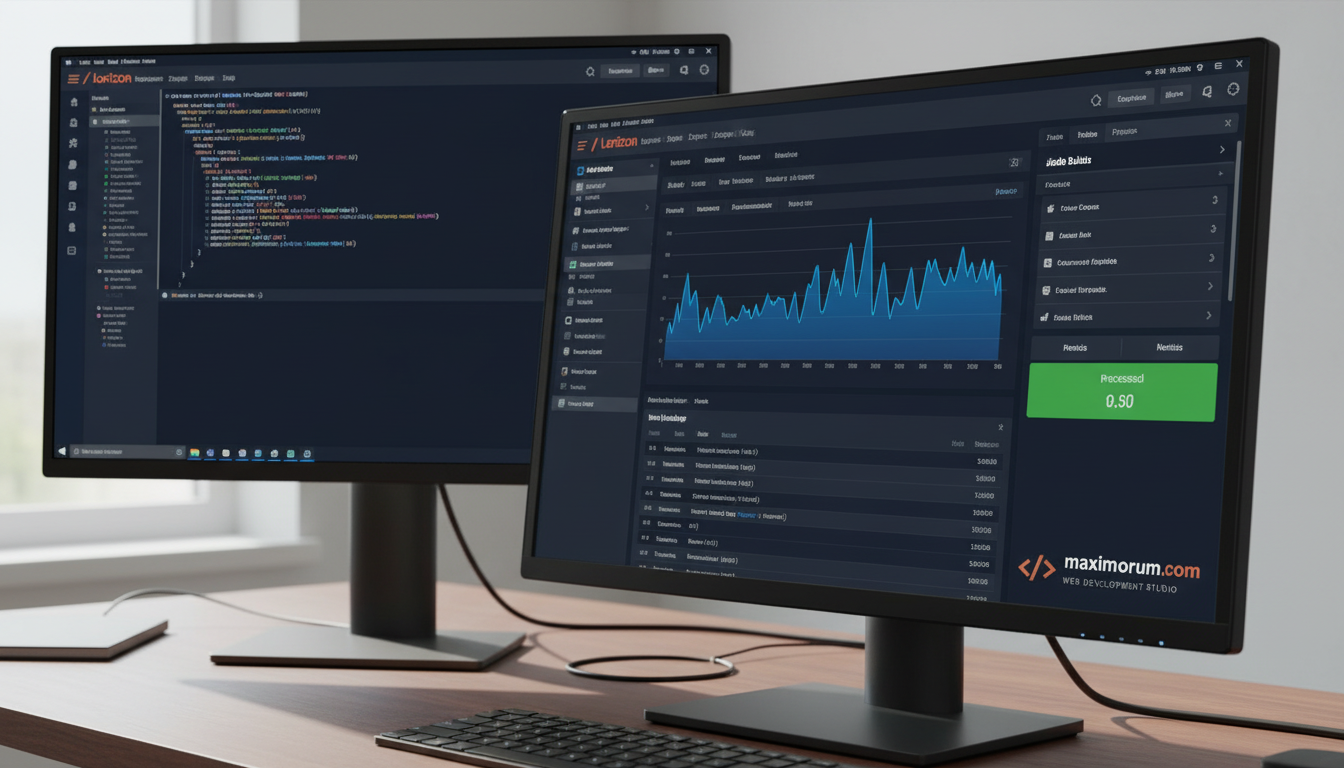
When a promo drops or a campaign lands, your store gets a flood of orders in minutes. If checkout runs every task inline — confirmation emails, payment webhooks, invoice generation, warehouse sync — each click waits for all of them. Customers see spinners. Some abandon the cart.
Laravel queues fix this by moving slow work off the request. The customer gets an instant "order confirmed" while the heavy lifting runs in the background.
What we move to queues on a typical Laravel store
- Order confirmation and shipping emails
- Payment gateway webhooks from LiqPay or Monobank Acquiring
- Nova Poshta waybill creation and tracking updates
- PDF invoice generation
- Inventory sync to OpenCart or an ERP
- Analytics and CRM events
A checkout that took 2.4 seconds under load now responds in under 300 ms, because it only writes the order and dispatches jobs.
Why Horizon matters
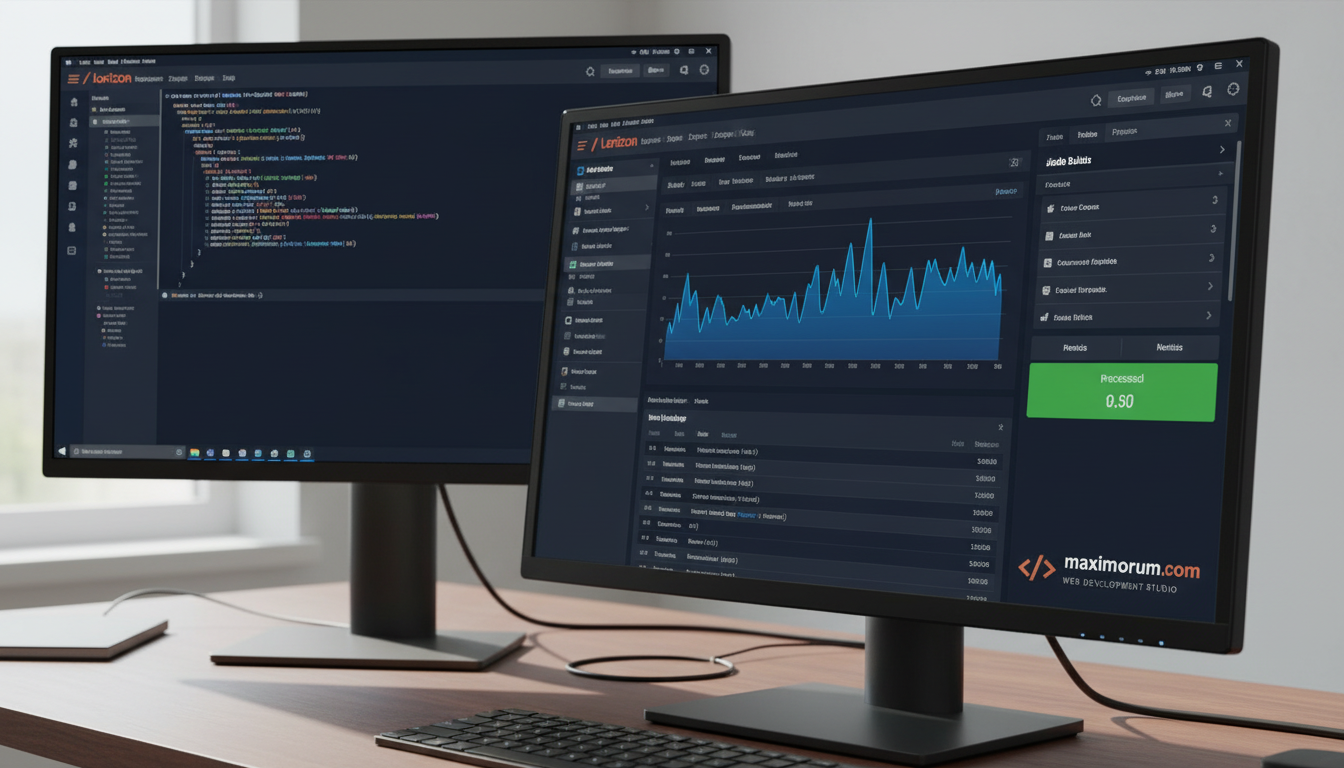
Queues without monitoring are a black box. Laravel Horizon gives you a live dashboard: throughput per queue, job runtime, failed jobs, and worker counts. When order volume triples, you see the backlog form and can add workers before customers feel it. Failed payment webhooks get retried with backoff instead of vanishing.
How we set it up
- Redis as the queue driver for speed and reliability
- Separate queues by priority — payments first, emails later
- Horizon supervisors with auto-balancing across workers
- Retry rules and a failed_jobs table for anything that throws
- Alerts when a queue backs up past a threshold
The result is a store that stays fast during peaks and never silently drops an order. We build and tune this on Laravel projects of every size, from a single product launch to multi-warehouse platforms.
Planning a sale or expecting traffic growth? We will audit your order pipeline and move the slow parts to queues. Start at maximorum.com.