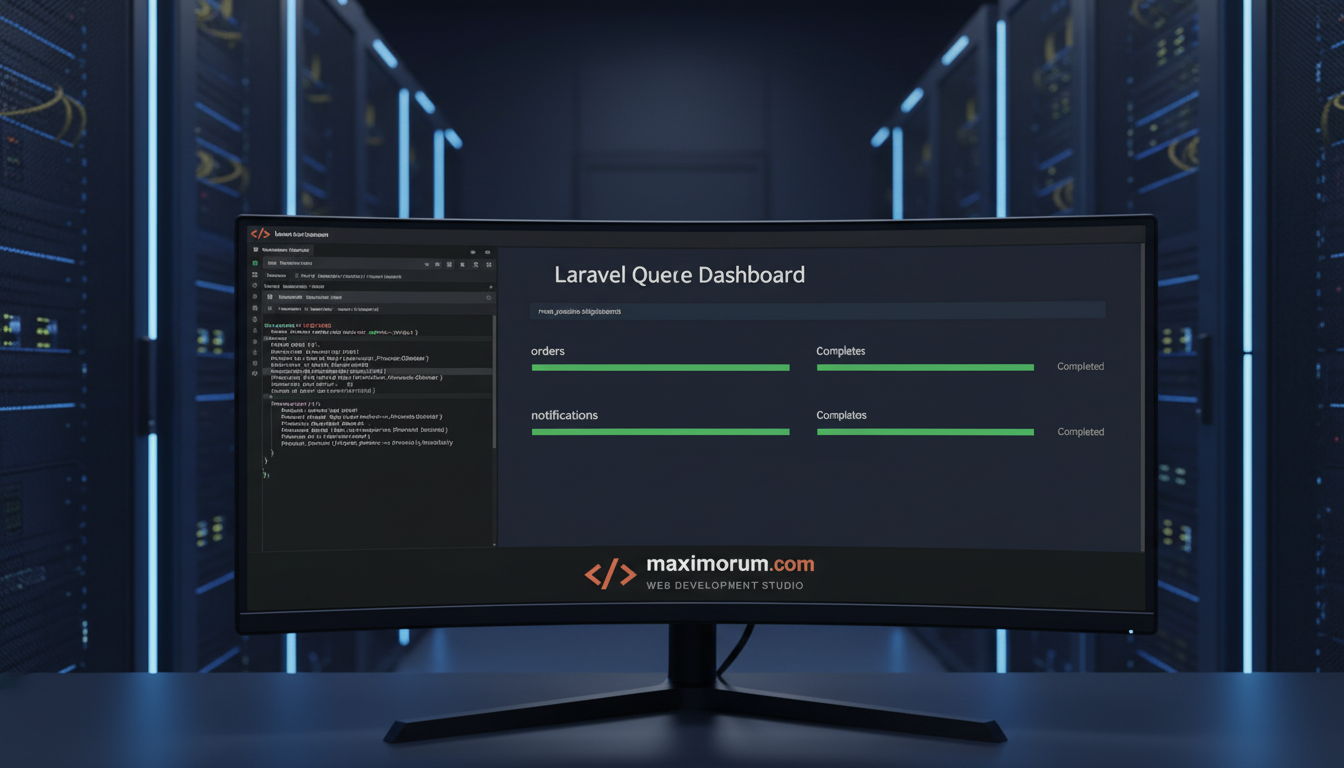
How Laravel queue jobs reduce order processing time and server load
When an online store processes hundreds of orders per day, synchronous PHP scripts become a bottleneck. Laravel's queue system moves time-consuming tasks — email notifications, invoice generation, delivery label requests to Nova Poshta's API, payment confirmation calls to LiqPay — into background jobs. The result: checkout completes in under two seconds, and backend workers handle the rest without blocking the customer.
What gets queued
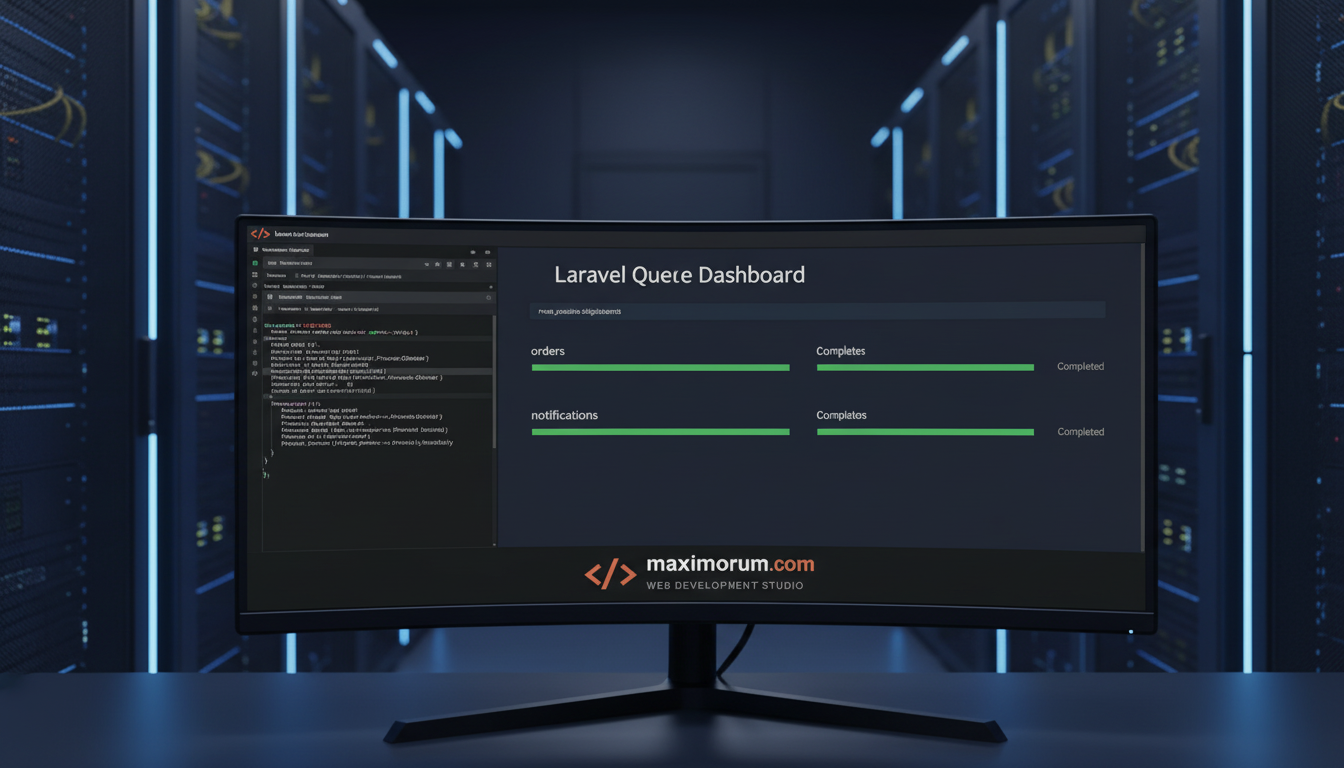
Any task that does not need to complete before the HTTP response is sent belongs in a queue:
- Order confirmation emails — dispatched to Mailgun or SMTP asynchronously
- Nova Poshta shipment creation — API call triggered after payment is confirmed
- LiqPay webhook processing — status updates handled reliably with automatic retries
- PDF invoice generation — rendered by a worker, not the web process
- Stock level updates — synced to ERP or warehouse system in the background
How it works in Laravel
Laravel's Queue facade dispatches a Job class. The job is serialized to a queue driver — Redis, database, or Amazon SQS — and consumed by a queue:work worker process running on the server. If the job fails, Laravel retries it automatically up to a configured maximum, logs the exception, and sends an alert.
ProcessOrder::dispatch($order)->onQueue('orders');A single dispatch call decouples the checkout flow from every downstream task. Workers run independently, scale horizontally, and recover from external API failures without manual intervention.
Business impact
A MaxiMoruM client running an OpenCart-to-Laravel migration saw checkout page response times drop from 4.2 s to 0.9 s after moving email and delivery API calls into queues. Cart abandonment fell 18% in the first month.
Queues also make the system fault-tolerant: if Nova Poshta's API is temporarily unavailable, the job retries automatically — no manual fire-fighting required.
When to use queues in your project
Queues make sense when:
- Your checkout or form submission triggers one or more external API calls
- PDF, report, or export generation blocks the UI
- You send transactional emails at the moment of user action
- You need reliable delivery of webhook events to third-party systems
If your platform slows down under load or fails when a payment provider's API hiccups, queues are the architectural fix — not a workaround.
Ready to speed up your platform?
MaxiMoruM designs and builds Laravel applications with robust queue architecture — from small online stores to multi-tenant corporate platforms. We integrate Nova Poshta, LiqPay, and Monobank reliably so your operations run without interruption.
Discuss your project: https://maximorum.com/