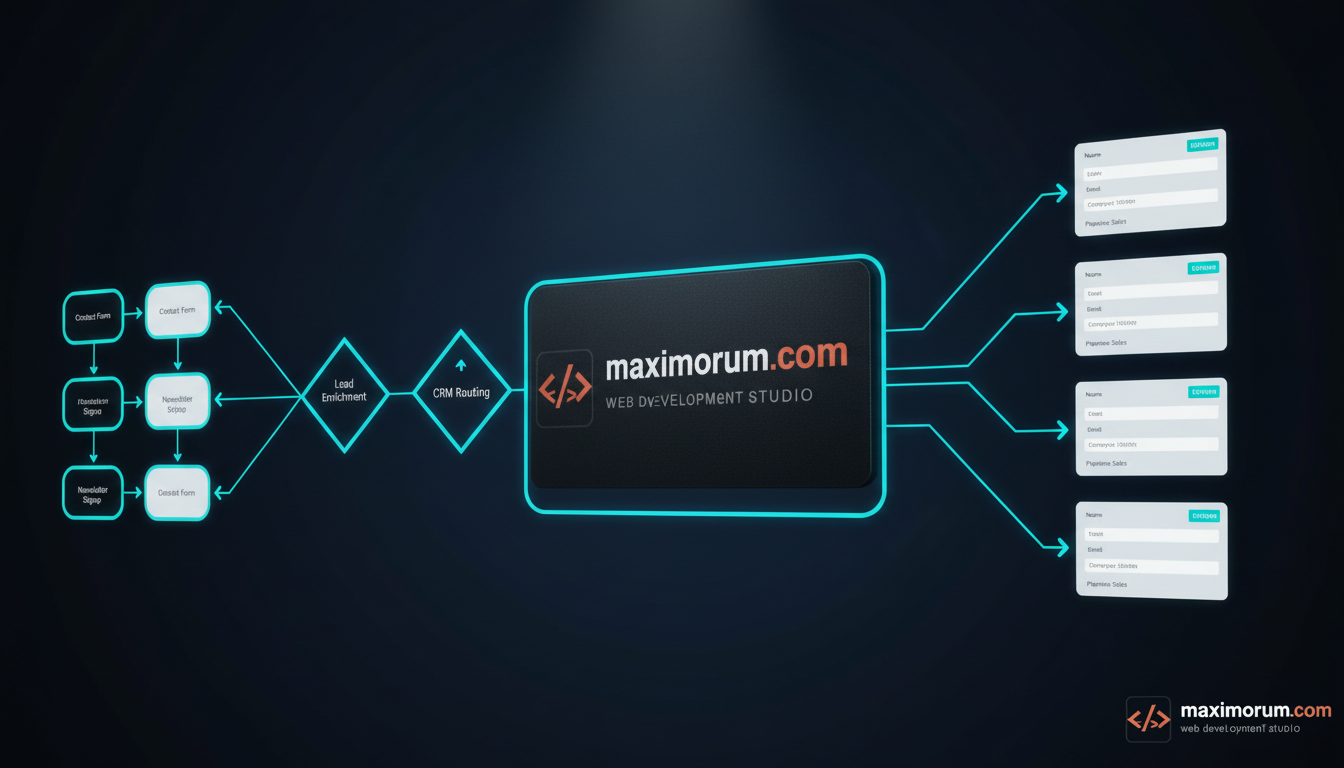
Every lead that arrives through your website is a timing problem. Studies of B2B sales consistently show that the odds of qualifying an inquiry drop sharply when the first response slips from minutes into hours. Yet in most businesses, a form submission still lands in a shared inbox, waits for someone to read it, gets copied into a spreadsheet, and only later reaches a sales rep — if it reaches one at all. Leads get lost, duplicated, or assigned to the wrong person, and no one can say where the breakdown happened.
The business cost is concrete: slower first response, lower conversion, and sales managers spending hours on data entry instead of selling. The fix is not another inbox rule. It is an automated pipeline that captures, validates, enriches, and routes every lead the moment it is submitted.
The solution: an n8n lead pipeline
n8n is a self-hostable automation platform that connects your website forms to your CRM through a visual workflow you fully control. Because you can host it on your own server, lead data — names, phone numbers, company details — never passes through a third-party SaaS you cannot audit. For Ukrainian businesses handling personal data, that control matters.
A typical pipeline we deploy looks like this:
- Capture. The website form (a Laravel endpoint, a WordPress Contact Form 7 hook, or an OpenCart inquiry) sends each submission to an n8n webhook the instant it is filled in. No polling, no delay.
- Validate. n8n checks required fields, normalizes the phone number to a single format, and rejects obvious spam before it ever reaches a human.
- Enrich. The workflow adds context automatically — UTM source and campaign, the page the visitor converted on, and a lead score based on rules you define (budget field, service requested, region).
- Deduplicate. Before creating a record, n8n queries the CRM by email or phone. An existing contact is updated, not duplicated, so your pipeline stays clean.
- Route. Based on service, region, or value, the lead is assigned to the correct manager or pipeline stage in your CRM — HubSpot, Pipedrive, KeyCRM, or a custom system — via its API.
- Notify. The assigned rep gets an instant message in Telegram or email with the full lead context, so the first reply goes out in minutes, not the next morning.
Concrete steps to get started
Map your current path first. Write down exactly what happens to a lead today, from submission to first contact, and mark every manual handoff — those are the points where leads leak.
Then stand up n8n on a VPS, expose a single secured webhook, and connect one form to it. Start with capture and notification only; prove the response time improves. Once that is stable, layer in enrichment, deduplication, and CRM routing one node at a time. This incremental approach keeps the system debuggable and lets your team trust it before it owns the whole funnel.
The result is measurable: first-response time falls from hours to minutes, no lead is entered by hand, and every inquiry is traceable from the page it came from to the rep who closed it.
At MaxiMoruM, we have built lead automation on PHP, Laravel, WordPress, and OpenCart for over 20 years, with native integrations for Ukrainian CRM, payment, and delivery services. If manual lead handling is costing you deals, let us design the pipeline that fits your stack.
Start the conversation at maximorum.com.