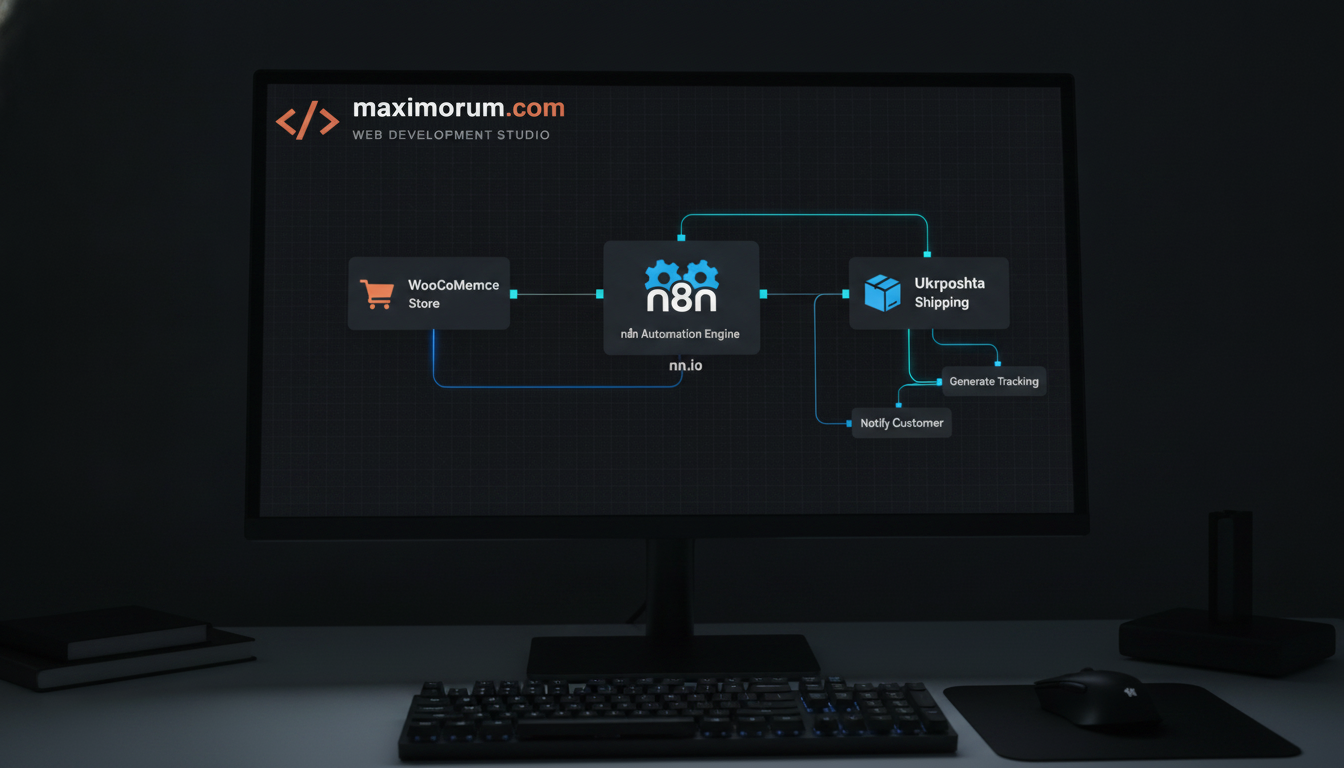
Every paid WooCommerce order triggers the same manual sequence: copy the shipping address, log into the Ukrposhta cabinet, create a parcel, copy the tracking number back into the order, then email the customer. At 30 orders a day that is hours of repetitive work every week — and every manual copy-paste is a chance for a wrong address, a duplicated parcel, or a customer left without a tracking number.
The fix is an event-driven pipeline: WooCommerce emits an order event, n8n receives it, and the Ukrposhta API does the shipping work. No one touches a spreadsheet.
The business problem
Manual fulfillment scales linearly with order volume. Double the orders and you double the operator hours — or you start shipping late. The hidden cost is not just labour: delayed tracking numbers drive support tickets, and address typos cause returned parcels you pay for twice. For a growing store, fulfillment becomes the bottleneck that caps how many orders you can actually handle.
The automated solution
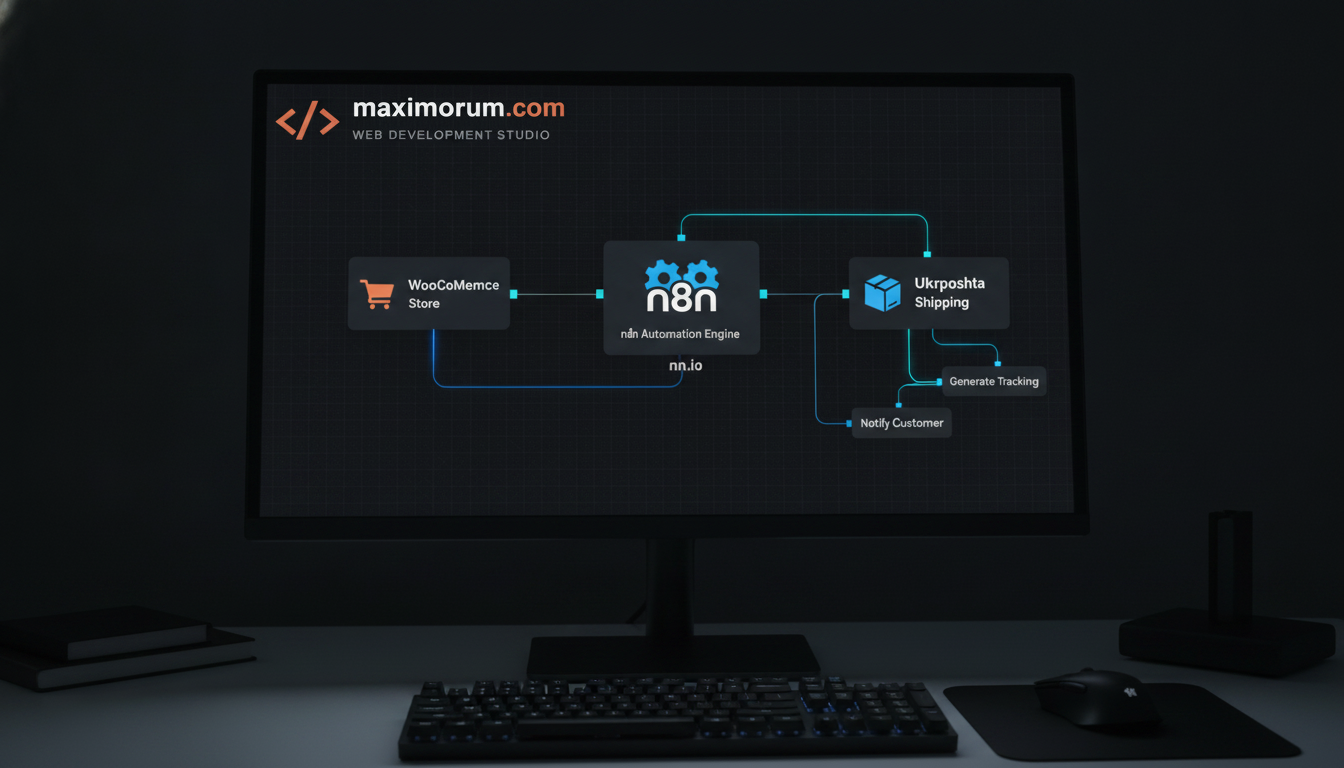
n8n sits between WooCommerce and Ukrposhta as the orchestration layer. WooCommerce already exposes webhooks for order events, and Ukrposhta provides a REST API for creating shipments and registering documents. Connecting the two with n8n means a parcel is created the moment an order is marked paid — typically within seconds, with zero manual steps.
How the workflow runs, step by step
- Trigger: A WooCommerce webhook fires on order.updated when status changes to processing (paid). n8n receives the full order payload at a webhook node.
- Filter: An IF node checks the payment status and shipping method, so only paid orders that selected Ukrposhta delivery continue down the branch.
- Map data: A Set node transforms the WooCommerce address fields into the structure the Ukrposhta API expects — recipient name, phone, city ref, warehouse or address, weight, and declared value.
- Create shipment: An HTTP Request node calls the Ukrposhta API to register the parcel and returns a tracking barcode.
- Write back: n8n updates the WooCommerce order via REST API — it stores the tracking number as order meta and moves the status to completed (or shipped).
- Notify the customer: A final node sends an email or Telegram message with the tracking link, so the buyer hears from you before they have to ask.
Why n8n for this
n8n is self-hostable, so order data and API keys stay on your own infrastructure rather than a third-party SaaS cloud. Its retry and error-handling nodes catch a failed Ukrposhta call and re-run it instead of silently dropping a shipment, and the visual canvas means your operations team can read the flow without touching code. When you later add LiqPay reconciliation or a second carrier, you extend the same workflow instead of rebuilding it.
Where this fits your stack
The same pattern applies whether you run WooCommerce on WordPress, a custom Laravel storefront, or OpenCart — the trigger source changes, the n8n logic stays the same. Pairing it with a Laravel queue on the backend keeps order processing reliable even during traffic spikes.
At MaxiMoruM we build these fulfillment pipelines end to end — WooCommerce and Laravel integrations, Ukrposhta and Nova Poshta shipping automation, and the n8n workflows that tie them together. If manual order processing is capping your growth, talk to our team at maximorum.com and we will map the automation to your exact order flow.