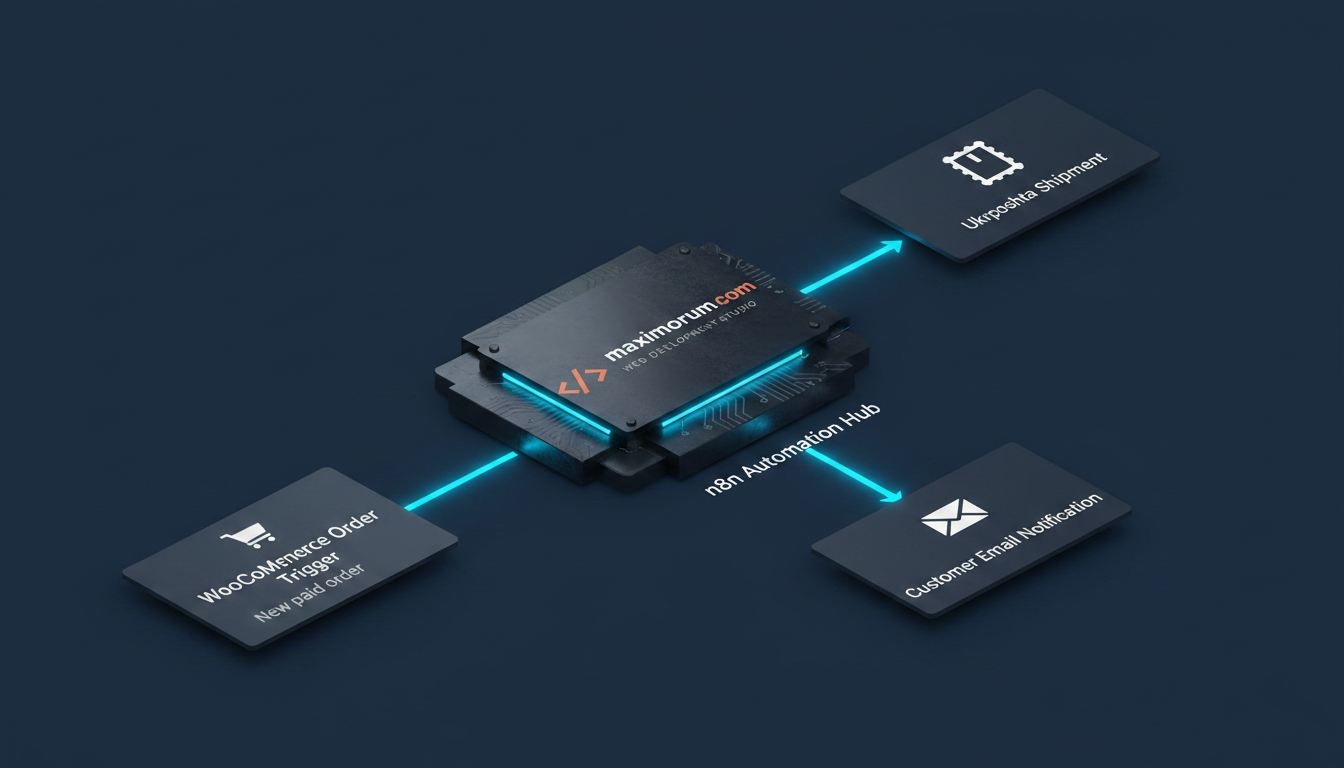
Every WooCommerce store hits the same wall as it grows: a person copies order data into the carrier's cabinet, prints a label, pastes a tracking number back into the order, and emails the customer. At 10 orders a day that is an annoyance. At 200 it is a full-time role, and the errors — wrong city, swapped phone number, a tracking number that never reaches the buyer — cost you refunds and support time.
You do not need a new platform to fix this. You need a workflow that connects the systems you already run.
The bottleneck: manual handoff between store and carrier
The slow part is rarely WooCommerce or Ukrposhta on their own. It is the gap between them — the re-typing, the tab-switching, the copy-paste of addresses and tracking codes. That gap is exactly what an automation layer removes. n8n, a self-hosted workflow engine, sits between your store and the Ukrposhta API and moves data across that gap in under a second, with no human in the loop.
The solution: an event-driven fulfillment pipeline
The pattern is straightforward. A paid order fires a webhook; n8n reads it, calls Ukrposhta to create a shipment, writes the tracking number back to WooCommerce, and notifies the customer. Because n8n is self-hosted, your order and customer data never leave your infrastructure — which matters when you are handling Ukrainian buyers' personal details.
How the build works, step by step
- Trigger. A WooCommerce webhook on the order.updated event sends the payload to an n8n Webhook node the moment an order status flips to processing (paid).
- Filter. An IF node checks the status so only paid orders continue — refunds, drafts, and failed payments are dropped early.
- Create the shipment. An HTTP Request node calls the Ukrposhta API (
/shipments) with the recipient name, phone, delivery city, and weight pulled straight from the order. The response returns the shipment barcode. - Write back. A second HTTP Request updates the WooCommerce order via REST API — it saves the Ukrposhta tracking number as order meta and moves the status to completed.
- Notify. An email or SMS node sends the customer their tracking number. The same branch can post the order to a Telegram channel for your warehouse team.
The whole chain runs in well under a second per order. A store doing 200 orders a day reclaims the hours its team spent on manual carrier entry, and the tracking number reaches the buyer the instant the label is created — not the next morning.
Where it extends
The same backbone scales beyond shipping. Swap the carrier node for Nova Poshta and route by the customer's chosen delivery method. Add a Google Sheets node to log every shipment for daily reconciliation. Connect a LiqPay or Monobank webhook so fulfillment only triggers after a confirmed payment. On a Laravel or OpenCart backend the integration looks the same — webhooks in, API calls out, status written back.
Build it once, run it for years
An automation like this pays for itself in weeks of saved labor and fewer fulfillment errors, then keeps running quietly in production. The engineering is in getting the edge cases right: partial payments, address validation, API retries when the carrier is briefly down.
MaxiMoruM has built and maintained automation pipelines on n8n, Laravel, WordPress, and OpenCart for Ukrainian businesses for over 20 years, with native LiqPay, Monobank, Nova Poshta, and Ukrposhta integrations. If manual order handling is slowing your store down, talk to our team at maximorum.com and we will map the workflow to your stack.