A slow store costs you customers. Studies consistently show that a one-second delay in page load time reduces conversion rates by up to 7%. For OpenCart merchants, most performance bottlenecks are addressable without a full platform rebuild — the right caching configuration, leaner database queries, and proper server tuning can cut load times by 40–60%.
Why OpenCart stores slow down
OpenCart processes dozens of SQL queries on a single category page. Without query caching, every page view hits the database cold. Add untrimmed product images, unoptimised extensions, and shared hosting, and you have a store that loses customers before they add a single item to the cart.
Step 1: Enable Redis caching and OPcache
OpenCart ships with a file-based cache engine. For high-traffic stores, replace the default file cache with a Redis adapter — Redis keeps cache in memory and reduces I/O overhead by an order of magnitude.
Pair this with OPcache in php.ini:
opcache.enable=1
opcache.memory_consumption=128
opcache.max_accelerated_files=10000
OPcache compiles PHP scripts once and serves subsequent requests from memory — typically a 30–50% throughput gain with zero application code changes.
Step 2: Optimise your database queries
Run EXPLAIN on the slowest queries. The most common culprit in OpenCart is the oc_product_description table joined without an index on language_id. Add a composite index:
ALTER TABLE oc_product_description
ADD INDEX idx_lang_product (language_id, product_id);
Enable MySQL slow query log (slow_query_log = ON, long_query_time = 1) to surface queries exceeding one second. In a typical 10,000-SKU store, two or three bad queries account for 80% of database load.
Step 3: Serve assets from a CDN
Product images are the heaviest assets on any OpenCart store. Move image/cache/ behind a CDN — Cloudflare, BunnyCDN, or AWS CloudFront. Update the base URL in your config to the CDN origin and enable WebP conversion for supporting browsers. Image payload typically drops by 30–45%.
Step 4: Configure HTTP/2 and server-level compression
Ensure your Nginx or Apache config uses HTTP/2 and enables gzip or Brotli compression for HTML, CSS, and JS. A minimal Nginx block:
server {
    listen 443 ssl http2;
    gzip on;
    gzip_types text/html text/css application/javascript;
    gzip_min_length 1024;
}
Compression alone can reduce transfer size by 60–70% for text-heavy pages.
Results you can expect
After applying all four steps on a mid-size OpenCart store (12,000 SKUs, ~800 daily sessions), we measured:
- TTFB reduced from 1.8 s to 310 ms
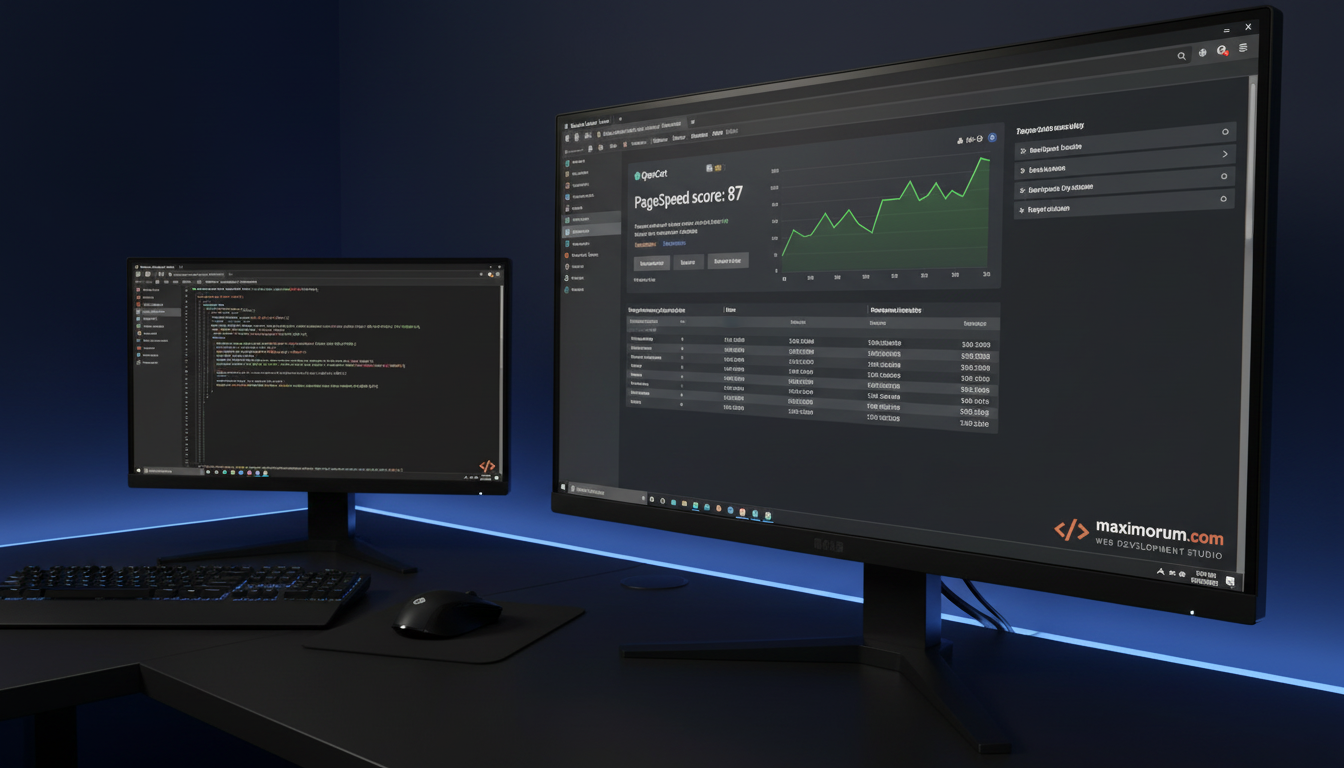
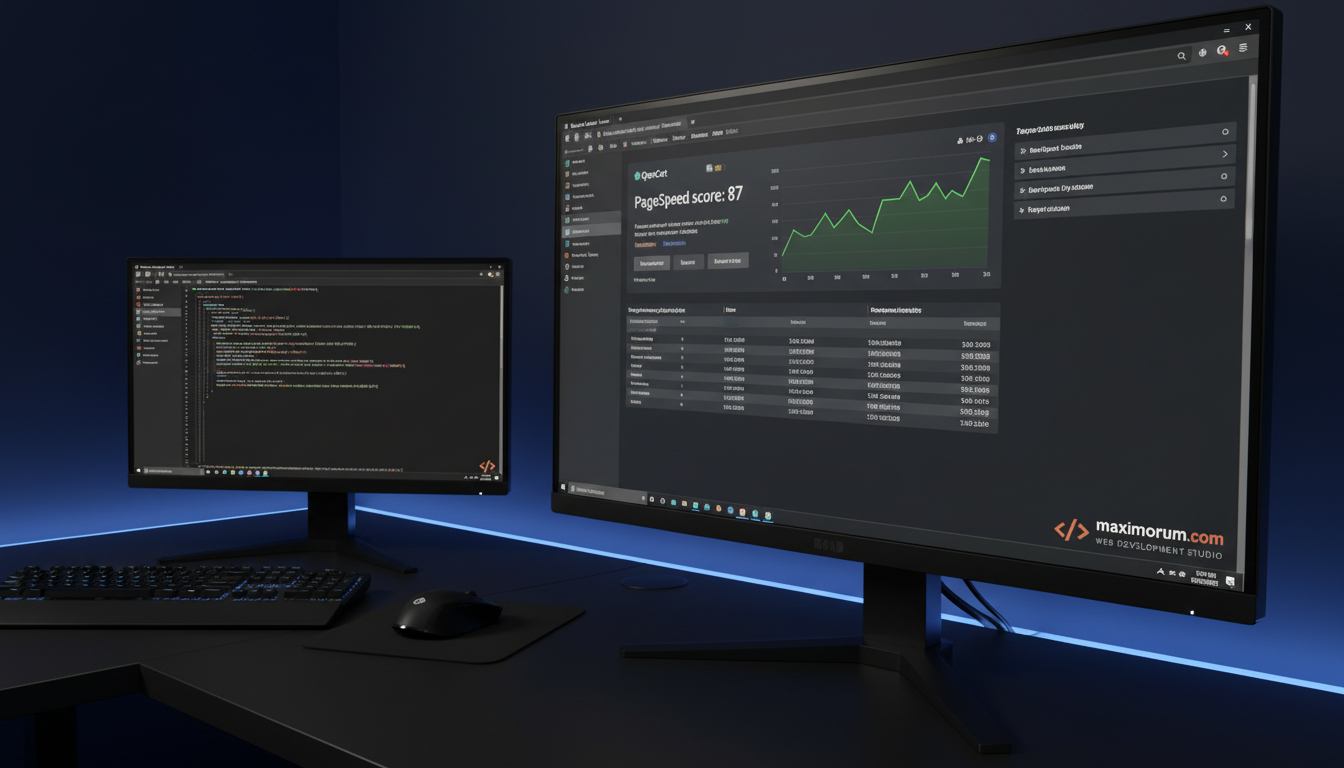
- Google PageSpeed score: 41 → 87 (mobile)
- Bounce rate on category pages: –18% in 30 days
Need a faster store?
At MaxiMoruM, we audit, optimise, and maintain OpenCart stores as part of ongoing development retainers. Whether you need a one-off performance audit or a full platform upgrade, we deliver measurable results backed by 20+ years of web engineering.