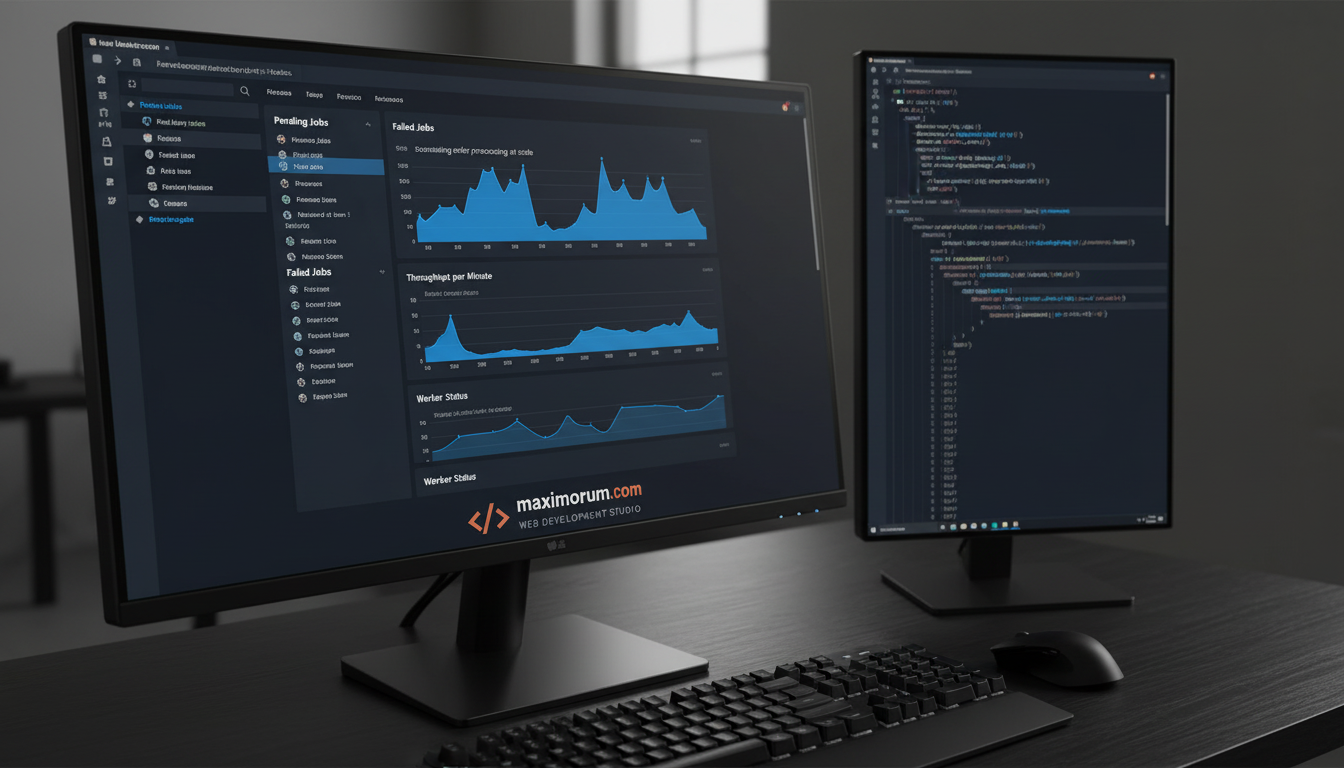
Processing hundreds of orders manually is slow, error-prone, and costly. Laravel's queue system lets you automate order confirmation emails, inventory updates, invoice generation, and third-party API calls — all in the background, without blocking your storefront.
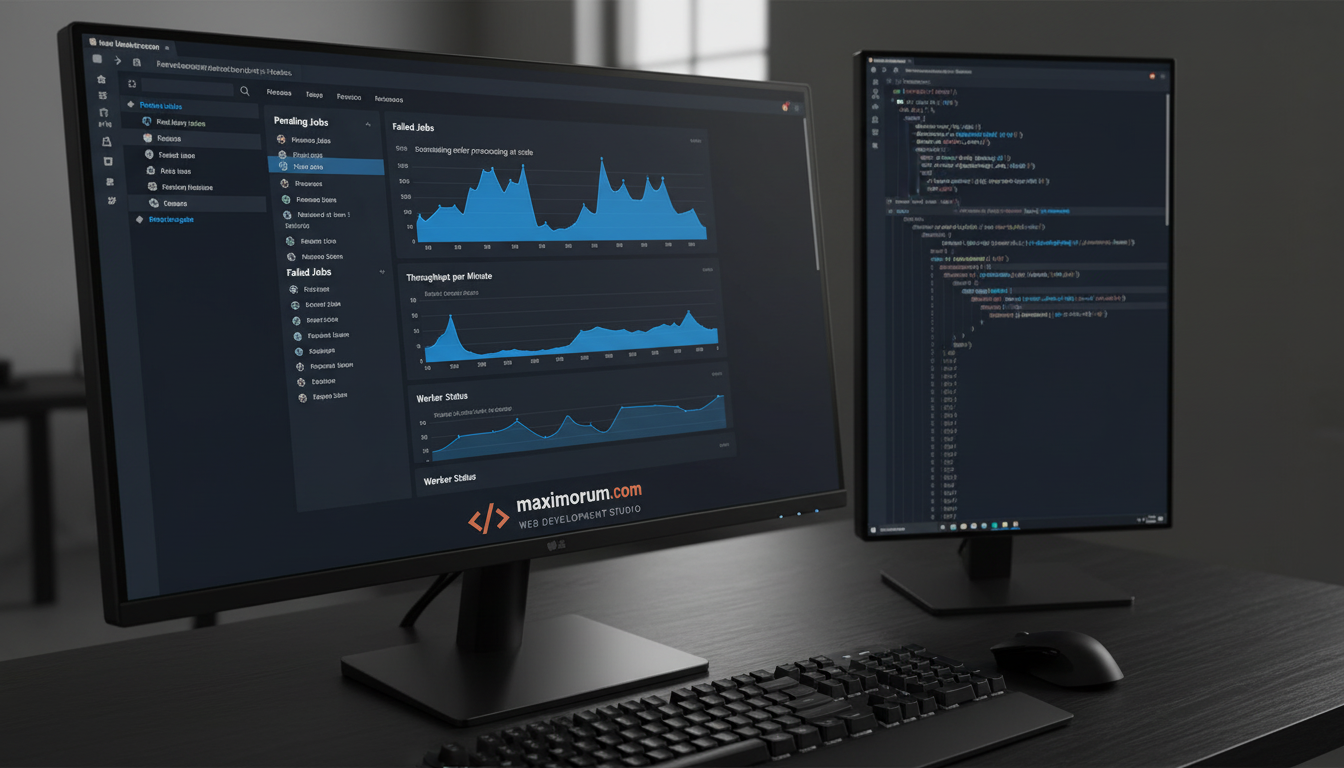
Why queues matter for e-commerce
When a customer places an order, your application needs to do several things at once: confirm payment, send an email, update stock, notify your warehouse, and log the transaction. Running all of this synchronously makes your checkout slow and fragile. A single API timeout can break the entire flow.
Laravel queues move these tasks off the main request cycle. Each job runs independently in the background, retries on failure, and logs errors for review. Your customer gets a fast checkout; your team gets a reliable fulfillment pipeline.
How it works in practice
A typical Laravel queue setup for an e-commerce project at MaxiMoruM looks like this:
- Order placed →
ProcessOrderJobdispatched to the queue - ProcessOrderJob → updates inventory, triggers
SendOrderConfirmationJobandNotifyWarehouseJob - SendOrderConfirmationJob → sends a branded email via Mailgun or SMTP
- NotifyWarehouseJob → calls your fulfillment API or Nova Poshta / Ukrposhta endpoint
- Failed jobs → logged to the
failed_jobstable; your team reviews and retries viaphp artisan queue:retry
Laravel supports multiple queue drivers: database (suitable for most projects), Redis (high throughput), and Amazon SQS (enterprise scale). We typically start with database queues for Ukrainian SMB clients and scale to Redis when order volumes exceed 1,000 per day.
Business result
A retail client running OpenCart switched to a Laravel-powered backend with queue-based order processing. Checkout response time dropped from 4.2 seconds to under 1 second. Customer support tickets related to "order not confirmed" fell by 80% in the first month.
Key implementation details
// Dispatch a job after payment confirmation
OrderConfirmed::dispatch($order)->onQueue('orders');

// In your job handler
public function handle(): void
{
    $this->notifyWarehouse($this->order);
    $this->updateInventory($this->order);
    $this->sendConfirmationEmail($this->order);
}
Laravel's --tries and --backoff flags let you configure retry logic per job class — critical when dealing with third-party APIs that occasionally time out.
Ready to automate your order pipeline?
We build Laravel queue systems that scale with your business — from your first 100 orders to your first 10,000. Get in touch at maximorum.com to discuss your project.