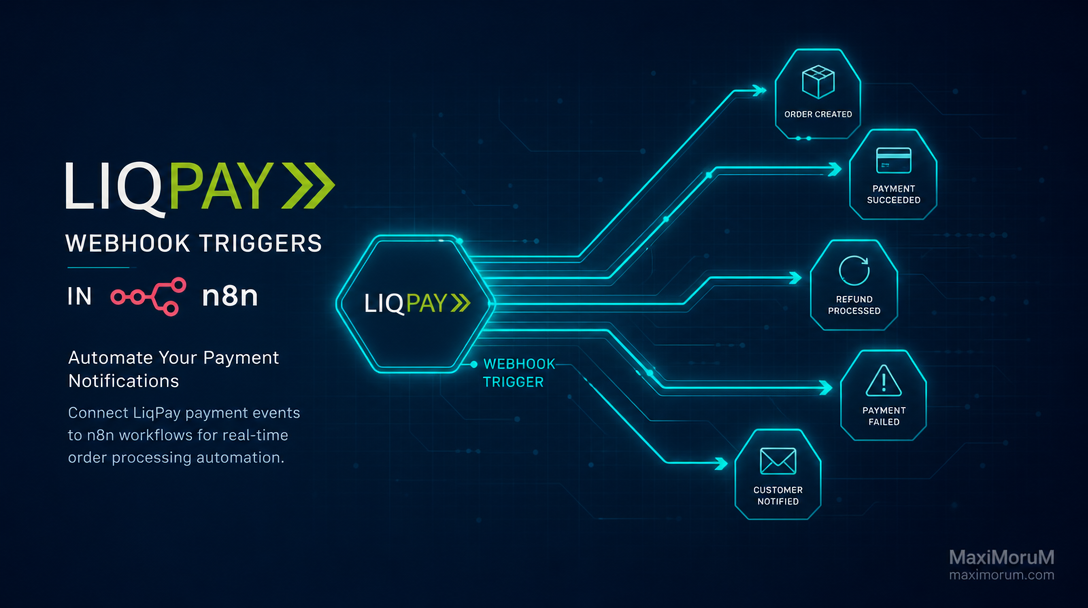
The Problem: Manual Payment Monitoring Kills Operations
Every e-commerce business receiving payments through LiqPay faces the same bottleneck: someone must check the admin panel, match the payment to an order, update the CRM, notify the warehouse, and send a confirmation email to the customer. When order volume grows, this chain of manual steps becomes a full-time job — and a source of costly errors.
The answer is not hiring more staff. It is connecting LiqPay webhooks directly to n8n and letting automation handle the routine.
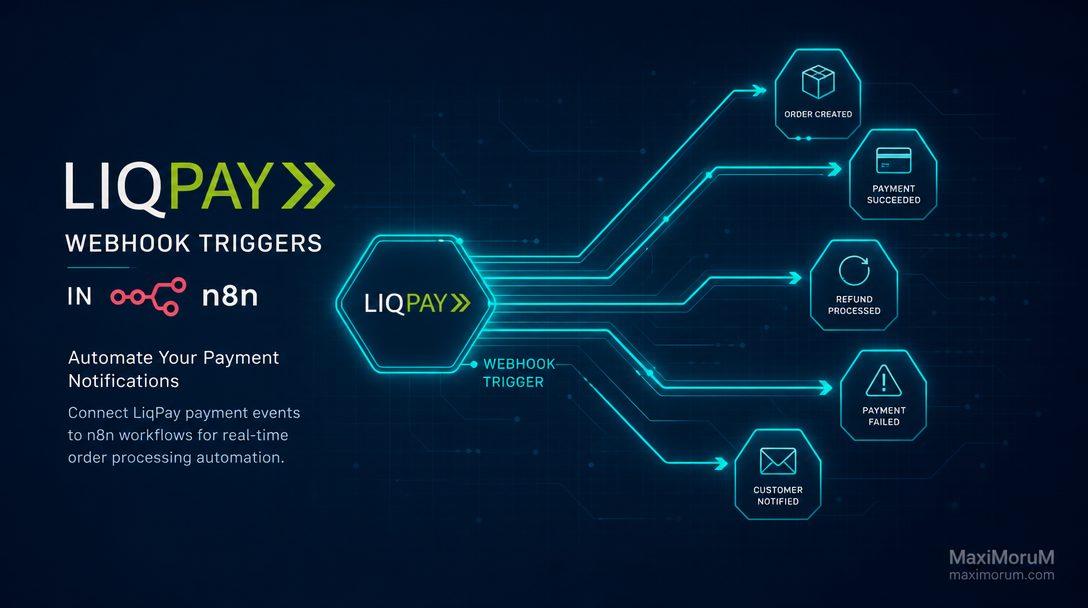
What Is a LiqPay Webhook?
LiqPay sends an HTTP POST request to a URL you specify every time a payment event occurs — successful payment, refund, subscription renewal, or failure. This real-time signal is the trigger point for your automation workflow.
In n8n, the Webhook node listens at a public endpoint and fires a workflow the moment LiqPay delivers its payload. No polling, no cron jobs — instant, event-driven execution.
Building the Integration: Key Steps
1. Create a Webhook node in n8n
Set the HTTP method to POST and copy the generated URL. Register it in your LiqPay merchant account under Settings → Webhooks. This endpoint becomes the live nerve of your payment pipeline.
2. Validate the LiqPay signature
LiqPay signs each webhook payload with a base64-encoded SHA-1 hash combining your private key and the data parameter. Use n8n's Code node to verify the signature before processing — this blocks spoofed requests from triggering your workflows and is non-negotiable in a production system.
3. Route by payment status
Use an IF or Switch node to branch on the status field: success, failure, reversed, subscribed. Each branch triggers a different downstream action, so a failed payment never accidentally moves an order to fulfillment.
4. Connect downstream systems
A confirmed payment can simultaneously:
- Update the order status in your CRM via REST API
- Write a reconciliation row to Google Sheets for finance
- Send a Telegram or email notification to the warehouse team
- Trigger a Laravel queue job to generate and deliver an invoice PDF
- Post a daily payment summary to a Slack or Telegram business channel
5. Handle errors and retries
n8n supports dedicated error workflows. Configure a fallback that logs failed executions to a Google Sheet and sends an alert to your operations team — so no payment event is silently dropped and every issue is traceable.
Business Outcomes You Can Measure
Eliminating manual payment matching across a mid-volume store (300–500 orders per month) typically frees 8–12 hours of operational time per week. Automated status updates remove the human copy-paste step, cutting order processing errors by more than 80% in projects we have delivered. Orders move to picking within seconds of payment confirmation, not minutes or hours.
When to Build This In-House vs. Hire a Team
n8n's visual editor makes simple webhook integrations accessible to technical founders. But production-grade implementations — with signature validation, error handling, retry logic, and multi-system routing — require engineering judgment that comes from building and maintaining similar workflows at scale.
At MaxiMoruM, we design and deploy n8n automations as part of broader Laravel and OpenCart projects, ensuring each workflow integrates cleanly with your existing infrastructure rather than bolting on as a fragile side process.
Ready to automate your LiqPay payment flow? Discuss your integration requirements with the MaxiMoruM team at maximorum.com.