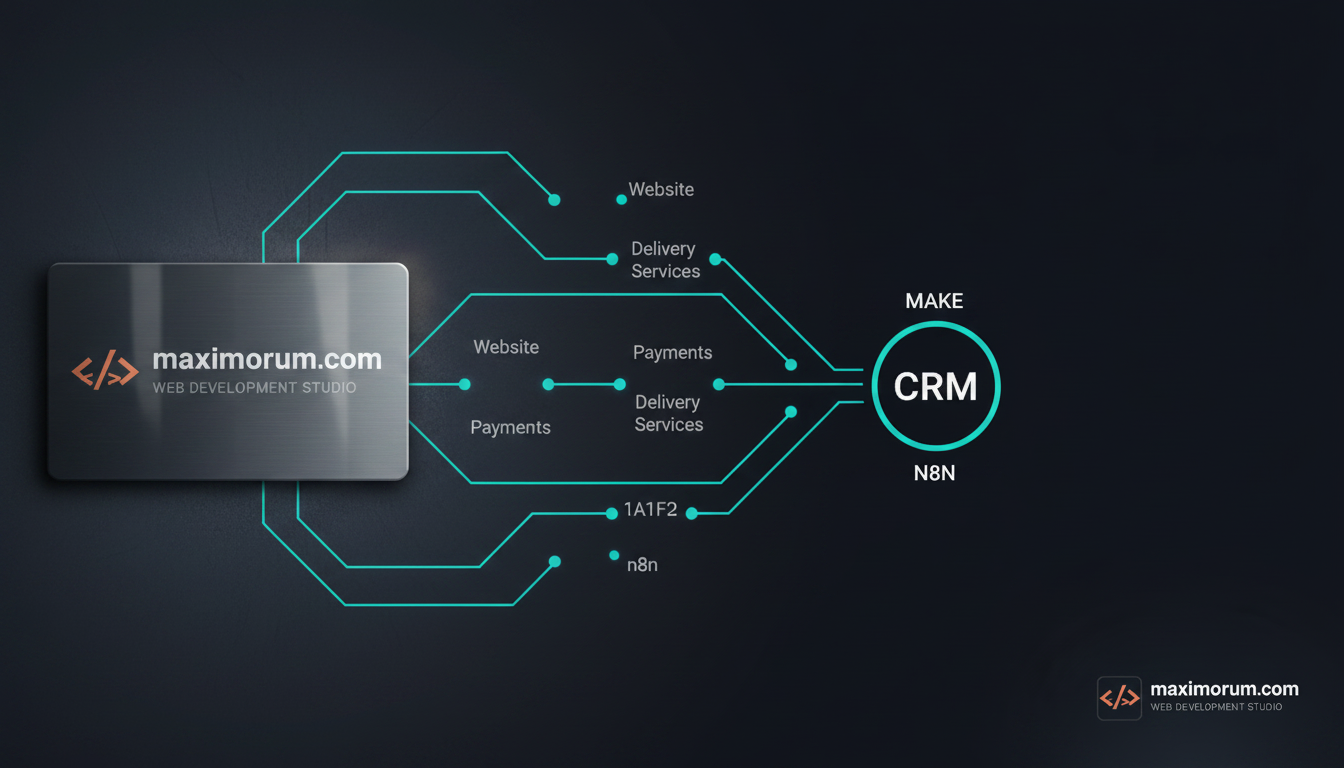
Make vs n8n: choosing the right platform for CRM integration
Every growing business hits the same wall: orders land in OpenCart, payments clear in LiqPay or Monobank, leads arrive through a WordPress form, and shipments move through Nova Poshta — but none of it reaches the CRM without someone copying data by hand. That manual bridge costs hours a week, drops records, and delays follow-up while a competitor calls the customer first.
Automation closes the gap. The practical question is not whether to connect these systems, but which engine to run them on. After building integrations on both for years, we recommend Make and n8n for different jobs — and choosing wrong means paying for it later in either hosting headaches or per-operation fees.
The honest difference
Make (formerly Integromat) is a hosted, visual platform. You build scenarios in the browser, pay per operation, and never touch a server. It shines when a marketing or operations team needs to wire up a CRM, a spreadsheet, and an email tool without a developer on call. The trade-off: at high volume — thousands of order events a day — the per-operation pricing climbs, and you depend on Make's connector library for anything niche.
n8n is open-source and self-hostable. You run it on your own VPS, pay for the server rather than per execution, and own the data end to end. For a Ukrainian e-commerce business pushing high order volume, that flat cost wins quickly. n8n also runs custom JavaScript inside any node, so when a CRM exposes an odd API or LiqPay sends a webhook in a format no off-the-shelf connector understands, you write ten lines and move on. The cost is operational: someone has to keep the instance patched and backed up.
Our rule of thumb
- Low-to-moderate volume, no dedicated dev, fast setup matters most → Make.
- High volume, sensitive customer data, custom APIs, or a need to control hosting costs → n8n.
- Regulated or finance-adjacent data you cannot send through a third-party cloud → n8n, self-hosted, every time.
A concrete CRM workflow
Here is how we typically wire a website-to-CRM pipeline on n8n:
- Webhook node receives the new lead or order — from a WordPress Contact Form 7 submission or an OpenCart order event.
- Function node normalises the payload: trims whitespace, validates the phone number, maps fields to the CRM schema.
- HTTP Request node creates or updates the contact in the CRM via its API, deduplicating on email or phone so you never get two records for one customer.
- Second branch posts a Nova Poshta tracking number back once the shipment is created, keeping the CRM record current.
- Error-handling node logs failures to a Telegram channel, so a stuck record gets a human within minutes instead of vanishing.
The same logic runs in Make with visual modules instead of code nodes — the architecture is identical, only the engine changes.
The result is measurable: leads enter the CRM in seconds, managers stop re-typing data, and follow-up happens while interest is still warm. One reconciliation that used to take a half-day a week disappears entirely.
Choosing between Make and n8n is a business decision, not just a technical one — it depends on your volume, your team, and how much control you need over data and cost. We help businesses make that call, then build the integration that fits.
Tell us what your systems are and where the manual work piles up: https://maximorum.com/