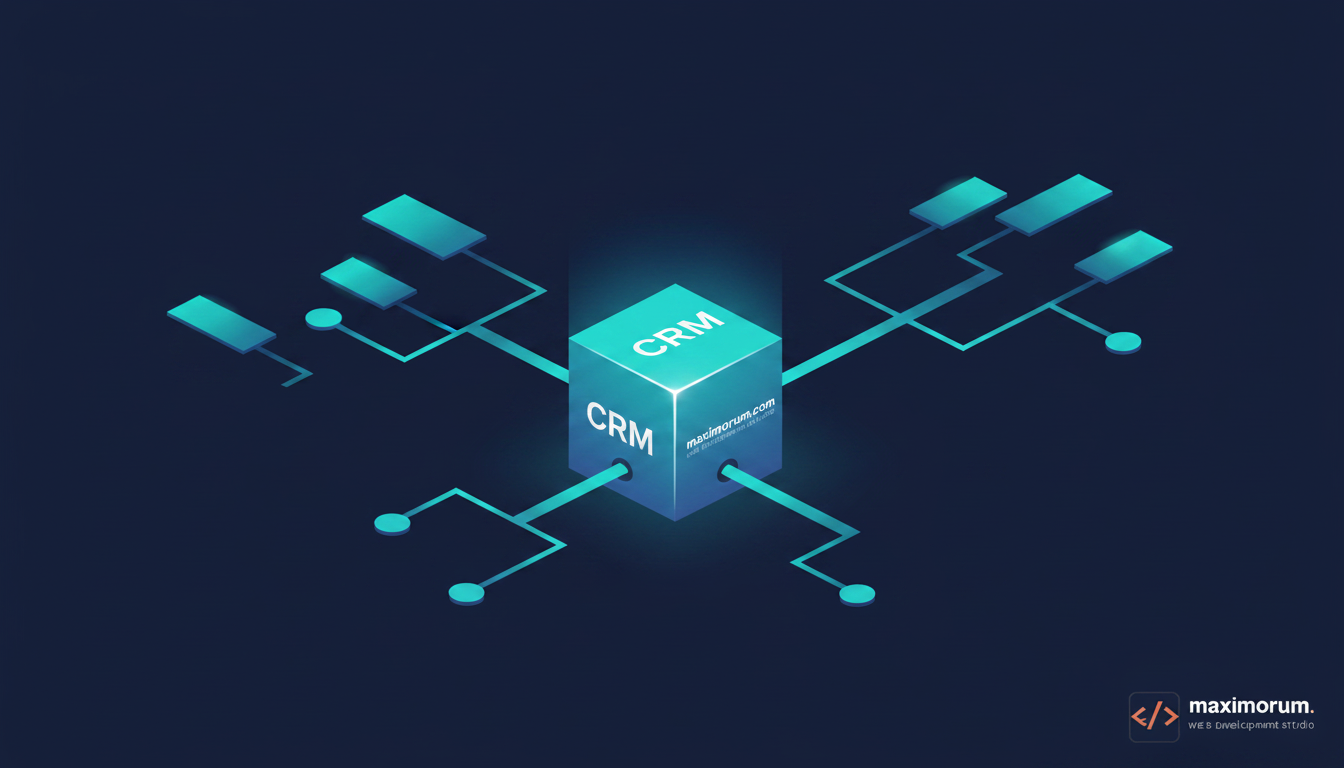
Your sales team closes a deal in the CRM. Then someone re-types the customer into the accounting system, another person copies the shipping address into Nova Poshta, and a third checks whether the LiqPay payment actually cleared. Every handoff costs minutes and invites errors. When order volume grows, this manual glue becomes the ceiling on how fast your business can operate.
Workflow automation removes that glue. Two platforms dominate the conversation for CRM integration: Make (formerly Integromat) and n8n. Both connect your CRM to payments, delivery services, spreadsheets and email without a developer writing a custom sync for every pair of tools. The right choice depends on how much control, privacy and scale your operation needs.
The business problem
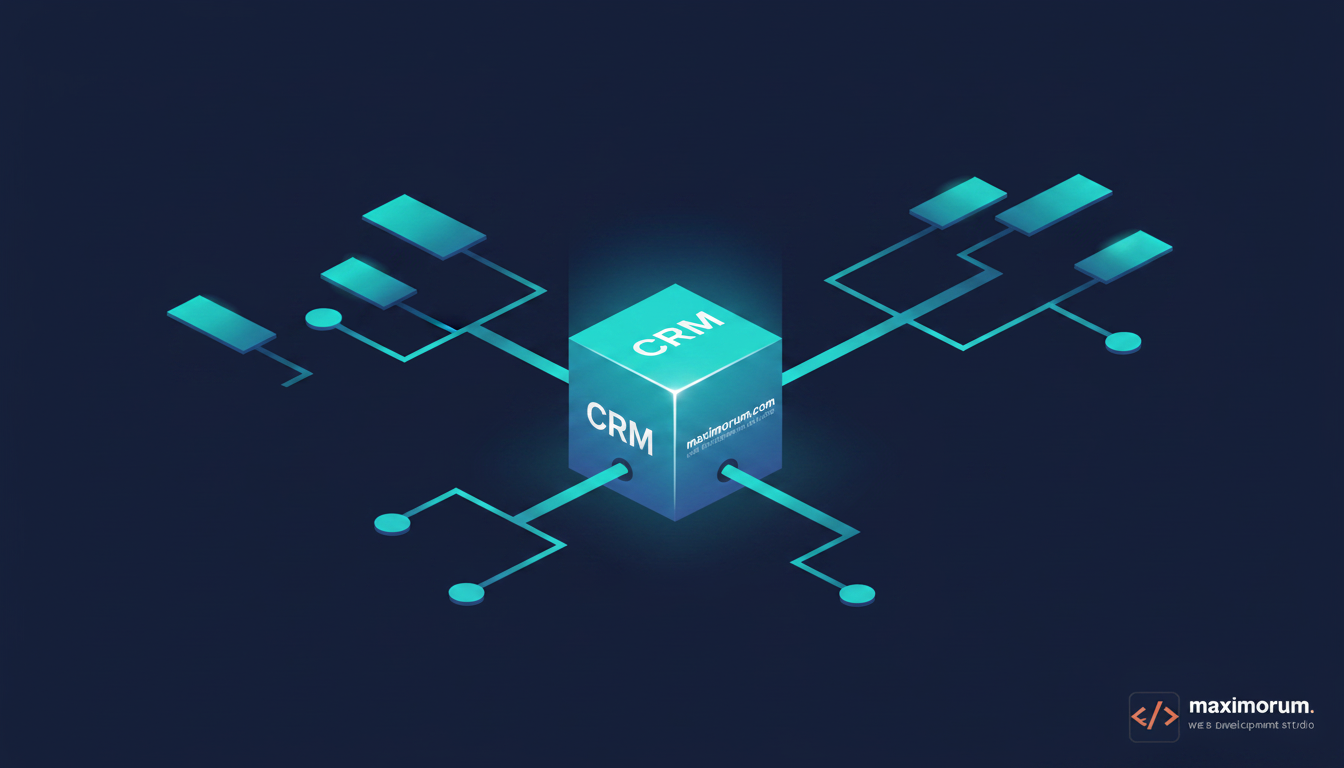
Manual data transfer between a CRM and the rest of your stack produces three predictable costs: staff hours spent copying records, delayed order processing while someone is offline, and revenue leakage when a payment or shipment falls through the cracks. A team handling 300 orders a month can lose a full working day each week to reconciliation and re-entry alone.
Make: fast to start, hosted for you
Make is a cloud service with a visual builder and hundreds of prebuilt connectors. You assemble scenarios by dragging modules, and Make runs them on its own infrastructure. For a marketing or operations lead who wants a CRM-to-email or CRM-to-Sheets flow live this afternoon, Make is the quickest path. The trade-off: you pay per operation, your data passes through Make's servers, and complex logic can get expensive as volume climbs.
n8n: self-hosted control and predictable cost
n8n is open-source and can run on your own server. That matters for two reasons. First, sensitive customer and payment data never leaves your infrastructure — a real advantage under Ukrainian data-handling expectations. Second, self-hosted n8n has no per-operation billing, so a high-volume reconciliation flow costs the same at 300 orders as at 30,000. n8n also lets you drop into raw JavaScript and call any API directly, which suits custom integrations with Laravel, OpenCart or a bespoke internal system.
How to choose
Use this as a decision guide:
- Pick Make when you need a simple flow running quickly, your data-privacy requirements are light, and monthly operation volume is modest.
- Pick n8n when you handle payment or personal data, expect high volume, or need deep custom logic against your own Laravel/OpenCart backend.
- Run both is valid — Make for lightweight marketing triggers, n8n for the transactional core.
A concrete first project
Start narrow. Pick one repetitive flow — for example, a new CRM deal automatically creating a Nova Poshta waybill and posting the tracking number back to the customer. Map the trigger, the data fields, and the systems involved. Build it, run it against real orders for a week, and measure the hours saved. Then expand to the next flow. This staged approach delivers value early and keeps the automation maintainable.
Build it with a team that has shipped it before
Choosing a platform is the easy part. The value comes from a correctly designed integration — clean data mapping, error handling, retries and monitoring so a failed sync raises an alert instead of silently dropping an order. MaxiMoruM has built CRM, payment and delivery integrations on Make, n8n, Laravel, WordPress and OpenCart for two decades. Tell us your current stack and the process eating your team's time, and we'll design the automation that removes it. Start at https://maximorum.com/.