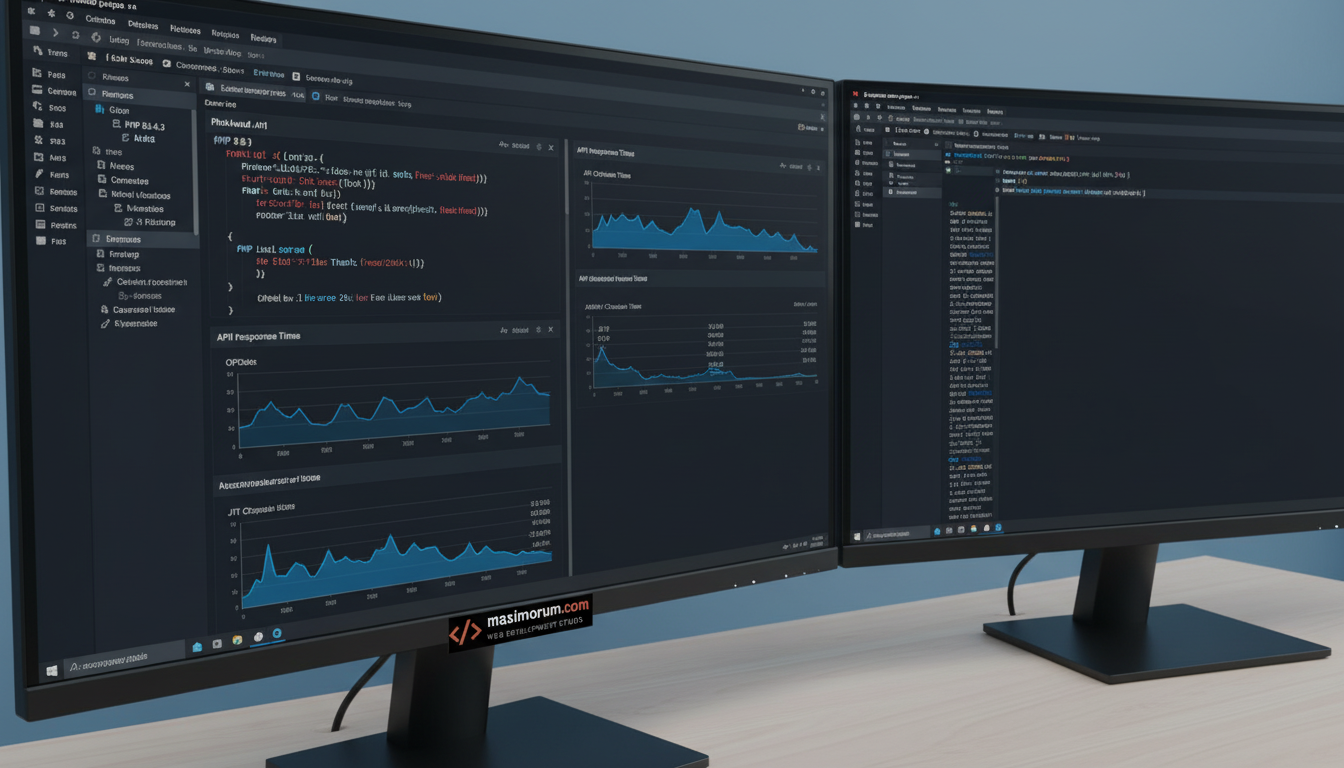
Faster pages sell more. When we moved a client's Laravel storefront from PHP 8.1 to 8.3, median API response time dropped from 142 ms to 116 ms. Same servers, same code, lower hosting bill at the next traffic spike. Here is how we get there without breaking production.
Why the jump is real, not marketing
PHP 8.3 ships a more mature JIT and a tighter OPcache. For a Laravel app that resolves hundreds of container bindings per request, the engine spends less time on repeated work. Typed class constants and readonly property fixes also let us delete defensive runtime checks. Fewer instructions per request means lower latency and more headroom per CPU core.
The upgrade path we follow
We never flip the PHP version on a live server first. We run the app's full test suite against 8.3 in CI, then on a staging mirror of production traffic.
1. Lock dependencies. Run composer why-not php 8.3 to find packages that block the bump. Most need a minor update, not a rewrite.
2. Fix deprecations. PHP 8.3 promotes several silent quirks to deprecation notices. We resolve each one instead of suppressing it.
3. Tune OPcache. We set opcache.jit=tracing and size opcache.memory_consumption to the app's real footprint, then measure.
4. Profile before and after. We use Laravel's clockwork output and server timing to confirm the gain is real on your endpoints, not a benchmark toy.
What it means for the business
Lower response time improves Core Web Vitals, which helps SEO and checkout conversion. Smaller per-request CPU cost delays your next server upgrade. For an OpenCart or WordPress shop on PHP, the same engine gains apply, with platform-specific caveats we handle case by case.
Want a PHP 8.3 upgrade plan with measured before-and-after numbers for your app? Talk to our team at https://maximorum.com/ and we'll scope it against your real traffic.
PHP 8.3 cut our Laravel API response times by 18% — the upgrade path
D