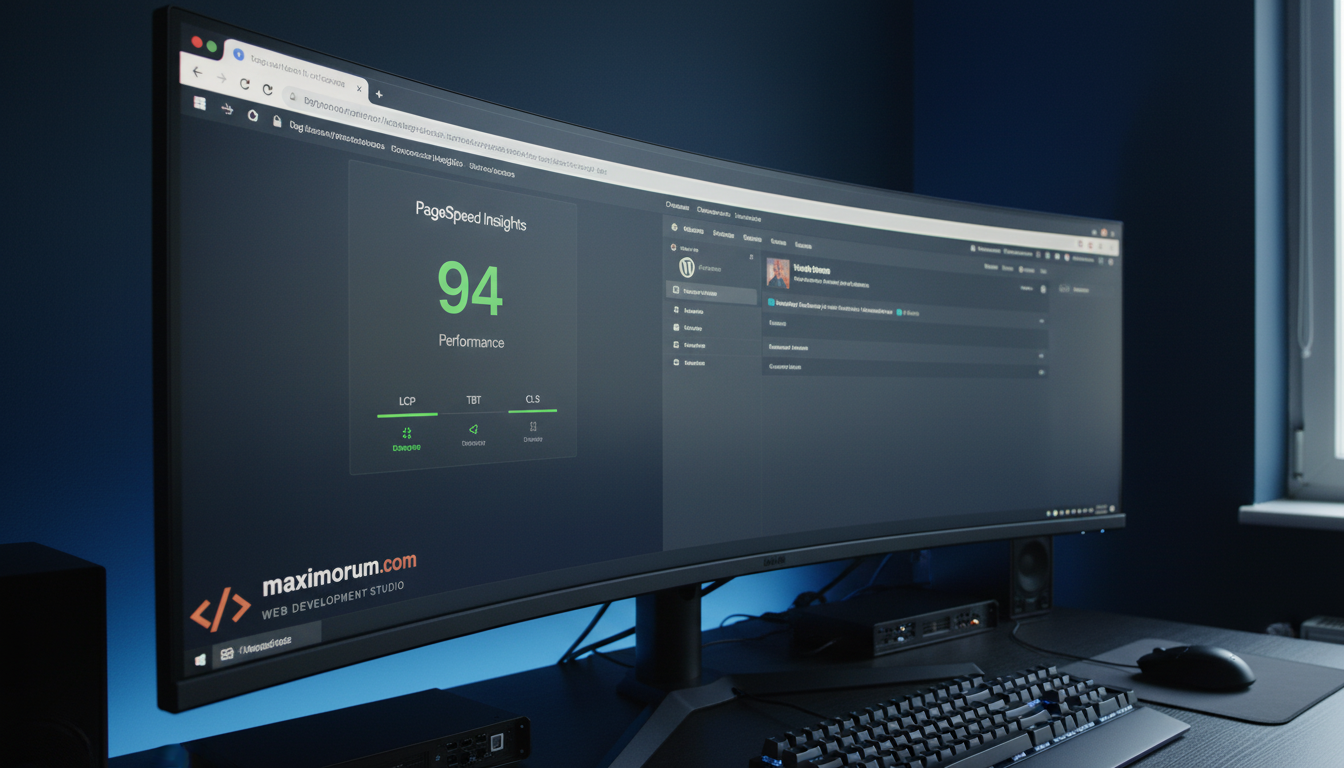
Every 100-millisecond delay in page load reduces conversions by roughly 1%. For a WooCommerce store generating $30,000/month, a 3-second load time actively destroys revenue — every single day.
At MaxiMoruM, we have optimized dozens of WordPress and WooCommerce installations over 20+ years of engineering work. Here is the exact stack and process we apply to cut load times from 4–6 seconds to under 2 seconds — with consistent, measurable results.
Start with a proper audit
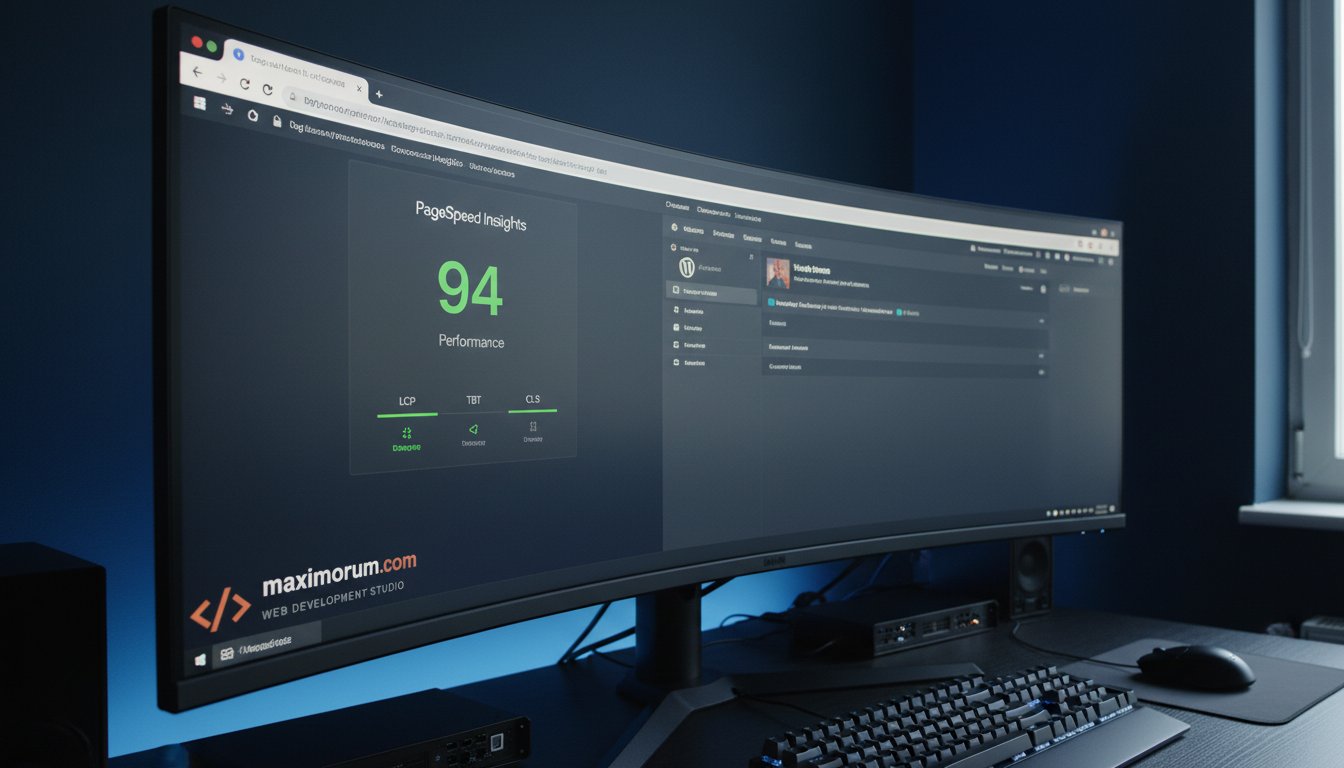
Before touching a single line of code, run Google PageSpeed Insights and GTmetrix. Focus on three Core Web Vitals: Largest Contentful Paint (LCP), Total Blocking Time (TBT), and Cumulative Layout Shift (CLS). These metrics determine both user experience and Google search ranking.
The most common issues we find on new client sites:
- Unoptimized images accounting for 70–85% of total page weight
- Render-blocking JavaScript from unused or poorly coded plugins
- No server-side caching — every request hits PHP and MySQL from scratch
- PHP 7.x still running on production servers
- An unindexed WooCommerce database with millions of orphaned rows
Server-side caching: the highest-ROI fix
A full-page cache cuts Time to First Byte (TTFB) from 800ms–1.2s down to under 100ms. We configure WP Rocket, LiteSpeed Cache, or a custom Nginx FastCGI cache layer — depending on your hosting environment.
For WooCommerce, we add Redis object caching to handle dynamic cart and session data. This prevents repeated MySQL queries for the same data and keeps response times fast even under high concurrent traffic.
PHP 8.2: a free 20% speed boost
Upgrading from PHP 7.4 to PHP 8.2 delivers a 15–25% raw throughput improvement with zero code changes in most WordPress installations. Many hosts still default to older versions — check your hosting control panel and upgrade. It costs nothing and pays immediately.
Image delivery that scales
Convert all images to WebP format and serve them via a CDN (Cloudflare or BunnyCDN). Enable lazy loading for below-the-fold content. For product catalogs with hundreds of images, this single change typically reduces page weight by 60–70%.
For large WooCommerce stores, we implement responsive image sets via srcset so mobile visitors never download a 2000px image for a 400px thumbnail.
Database maintenance on a schedule
WordPress and WooCommerce accumulate thousands of orphaned rows in wp_postmeta, wp_options, and post revisions. A site running 2+ years without cleanup can carry 10–50 million unnecessary database rows.
We set up scheduled wp-cron jobs (or server-side cron) to clean transients, remove old revisions, and optimize database tables weekly. Combined with proper MySQL indexing, this keeps query times under 10ms even on large catalogs.
Results we deliver
A typical MaxiMoruM WordPress performance engagement produces:
- Load time reduced from 4–6s to under 2s
- Google PageSpeed score improved from 30–50 to 85–95
- Core Web Vitals passing green across desktop and mobile
- 15–30% improvement in organic search positions within 60 days
- Measurable conversion rate lift in the first month
Ready to speed up your WordPress site?
MaxiMoruM handles the full performance audit and implementation — from server configuration and caching setup to database optimization and image delivery pipelines. We recommend only what we have shipped in production.
Contact us at maximorum.com to schedule a free site audit. We will identify the three highest-impact fixes for your specific stack and estimate the revenue impact before any work begins.